
Dazard login takes an email address and a password, nothing more. This page covers the normal sign-in at the official address, the most common reasons it fails and how to keep copies of the site away from your password.
Who runs the casino and which address is real is on our home page.
Signing in
The sign-in button sits in the top bar on desktop and inside the menu on mobile. Enter the email you registered with and your password. There is no separate username.
If two-factor authentication is switched on for your account, a code step follows the password. Sessions stay open until you sign out, so on a shared device always log out manually.
Why login fails
Most problems are small and quick to fix. Work through these before contacting support.
- Wrong email: accounts registered with a second address are easy to forget, so try every address you use
- Caps lock or a stray space: passwords are case-sensitive, and a space pasted from a password manager breaks them
- Old session data: clear the site's cookies or try a private window
- Browser extensions: privacy and script blockers can stop the login form, so disable them for the site
- Account restriction: a closed or self-excluded account cannot sign in, and only support can confirm this
- Country block: Dazard does not serve every country and shows a notice instead of the site; the list is in section 3.1 of its terms
Resetting your password
Use the reset link on the login form. Links expire, so open the newest email if several arrive. Your balance and bonus progress stay as they are.
Two-factor problems
A rejected code is usually a clock issue on the phone. Sync the time in your authenticator app and try again; if the phone is lost, recovery runs through support.
Login error, cause and fix
| What you see | Likely cause | What to do |
|---|---|---|
| Wrong email or password | Typo, caps lock, or a different email than at sign-up | Retype slowly, then use Forgot password |
| Account locked after several attempts | Security lock after failed logins | Wait, then reset the password or contact support |
| Two-factor code not accepted | Code expired or the phone clock is out of sync | Request or generate a fresh code; set the phone clock to automatic |
| Players from your country are not allowed | Dazard blocks countries it does not serve | Nothing to fix; check the restricted countries in the terms |
| Page does not load at all | Your internet provider or network blocks gambling sites | Do not use lookalike mirrors; they are not run by Dazard |
| Logged out again and again | Browser deletes cookies or private mode | Allow cookies for dazard.io and leave private mode |
| Login works, withdrawal blocked | Verification (KYC) not finished | Upload ID and proof of address in the account |
| Login page looks different | You are on a copy of the site | Close it and type dazard.io yourself; change your password if you entered it |
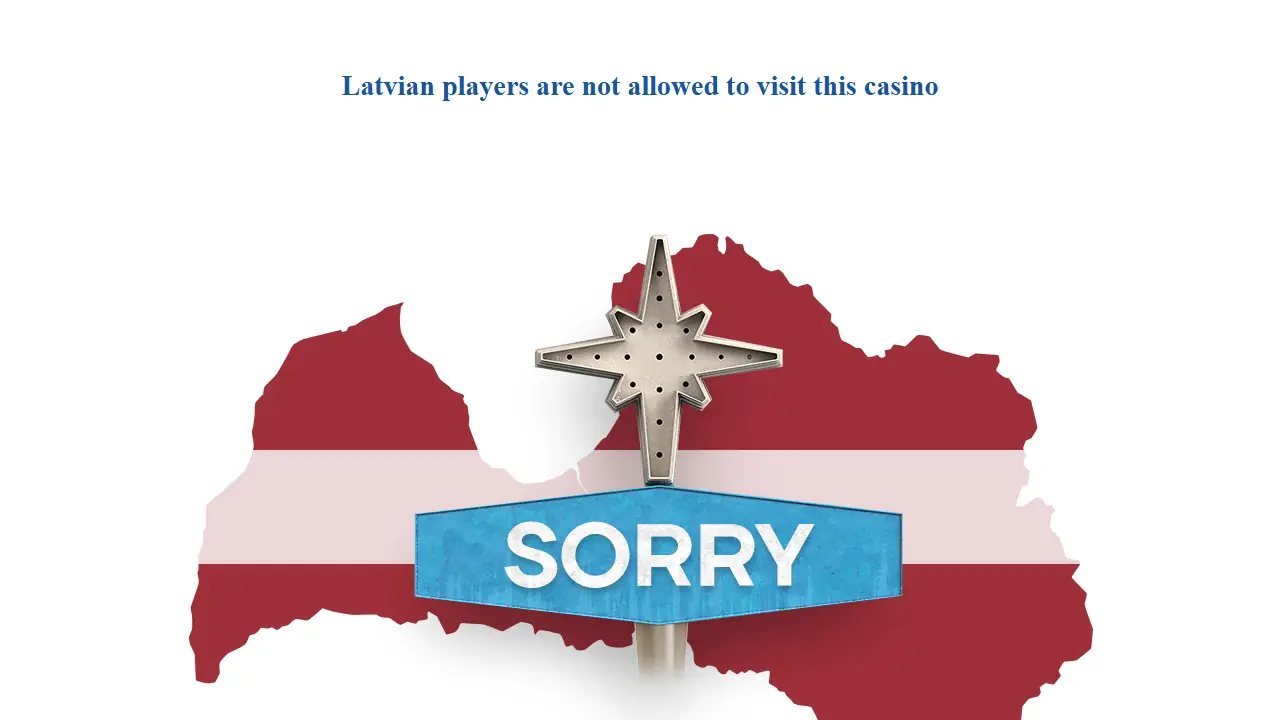
The screenshot shows what Dazard returns to a country it does not serve; we took it from Latvia. Instead of a login form you get a one-line notice. If you see that, no password or browser setting will help.
Setting up two-factor login
Two-factor login is optional at this casino. It takes two minutes and protects the balance if your password leaks.
- Log in and open the security section of your account.
- Choose two-factor authentication and follow the steps on screen.
- Enter the first code to confirm.
- Keep any backup codes somewhere offline, for example on paper.
Lose the phone and the backup codes, and only support can reset the second step after an identity check. Mobile access is on the app page, the bonus codes on the bonus page.
Registration and KYC
Registration needs your email, a password and personal details. A confirmation email may follow before the cashier unlocks.
Before your first withdrawal Dazard normally asks for KYC documents: photo ID, proof of address and sometimes proof of the payment method. Clear scans go through faster, while cropped or blurry photos usually come back.
Mobile access: there is no Dazard app
There is no Dazard app in the App Store or on Google Play. The site works in the mobile browser and adapts to the smaller screen.
Files sold as a "Dazard APK" do not come from the operator. Treat them as a security risk.
How to put a Dazard shortcut on the home screen of an Android phone or an iPhone, and how payments work on mobile, is on our Dazard Casino app page.
Keeping your account safe
Use a password you do not use anywhere else. Turn on two-factor authentication if your account offers it.
Watch out for phishing. Open the casino from your own bookmark, not from links in emails or messages, and remember that support never needs your password.
Whatever device you use, start every Dazard Casino login at dazard.io itself, never from a link someone sent you.
Questions and answers
Does Dazard use a username?
No. You sign in with the email address you registered with and your password.
Why does dazard.io not open in my country?
Dazard blocks countries it does not serve and shows a notice instead of the site. Section 3.1 of its terms lists them.
Is there a Dazard app for iPhone or Android?
No store app exists. Use the mobile browser and add a home screen shortcut.
Does a password reset affect my balance?
No. Your balance, bonus progress and history stay unchanged.
My two-factor code is rejected. What now?
Use a fresh code and set your phone's clock to automatic time. If you cannot get a code any more, contact support.
I entered my password on a copy of the site. What now?
Go to dazard.io yourself, change the password at once, switch on two-factor login and tell support.